

Smart home features in a Dubai apartment are useful when they make ordinary tasks easier without creating an unclear ownership or maintenance commitment. A demonstration of lights changing from a phone can be attractive, yet it does not explain who controls the account, whether a subscription is required, or how the home works when a device is unavailable. Compare the practical system rather than the label smart.
Start with the functions included in the exact unit and ask for a normal-use demonstration, cost information, support arrangements, and a clear handover. This guide explains how to evaluate connected controls, compatibility questions, ongoing services, and operating records. Use qualified installers and the equipment provider's current guidance for technical assessment or changes.
What this guide covers
• List the functions actually included
• Request a demonstration of normal use
• Understand control when a phone or connection is unavailable
• Ask about account ownership and handover
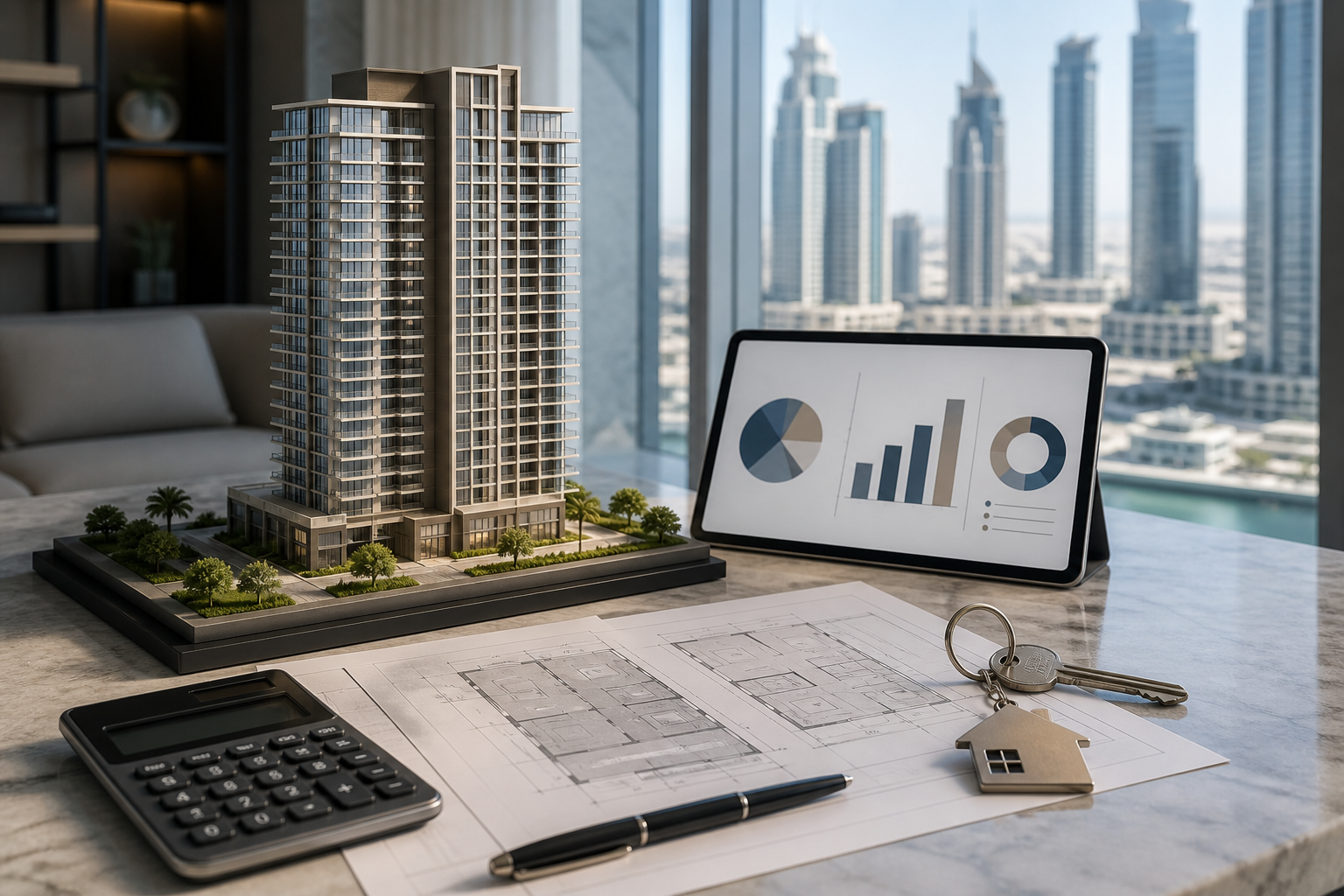
Illustrative buyer-comparison scene from the Property Gulf media library.
List the functions actually included
Ask which devices and controls form part of the offered property. Identify lighting, cooling controls, curtains, locks, sensors, intercoms, or other systems separately. A brochure may describe available options without confirming their inclusion in the unit you are considering. Match the list with the specification, inventory, and relevant commercial documents.
Record make, model, location, purpose, and current operating status where that information is supplied. A function described only as automation can be difficult to assess or maintain later. Clear identifiers help an installer explain the system and allow a future owner or manager to locate suitable support.
Separate essential functions from conveniences. You may value simple reliable controls more than complex scenes you rarely use. A system should support your routine rather than requiring the household to adopt a new one merely to justify the feature. Keep the reason for each desired function in your property brief.
Request a demonstration of normal use
Ask the responsible person to demonstrate the functions you would use most often through the normal resident interface. Observe whether the steps are understandable and whether every household member who needs access can use them. A polished sales sequence may show advanced features without explaining everyday operation.
Request clarification of anything that cannot be demonstrated. A device may be unconfigured, disconnected, awaiting repair, or excluded from the offer. Record the actual reason rather than treating the absence of a demonstration as either proof of failure or proof that setup will be straightforward. Identify the follow-up evidence and responsible contact.
Do not change accounts, passwords, equipment settings, or access permissions during an ordinary viewing. Assessment and authorized handover are different stages. Use the demonstration to prepare questions, then arrange the proper setup and transfer through the equipment provider, qualified installer, and relevant property parties.
Understand control when a phone or connection is unavailable
Ask how each function is operated if the usual phone, application, or connection is unavailable. The answer should come from the actual system documentation or an appropriate installer. Do not assume every connected device offers the same fallback. A practical home needs an understandable way to perform ordinary tasks under the conditions the system supports.
Consider guests, cleaners, maintenance workers, or family members who do not use the same application. Ask how appropriate limited access is arranged without giving unnecessary control over the entire system. The operating plan should reflect real residents and authorized visitors rather than a demonstration performed by one technically confident user.
Keep important instructions where they can be found securely. A short resident guide can identify routine controls, support contacts, and the authorized process for a problem. Avoid placing sensitive access information in a public or broadly shared folder. Clear documentation should improve usability while preserving appropriate control.
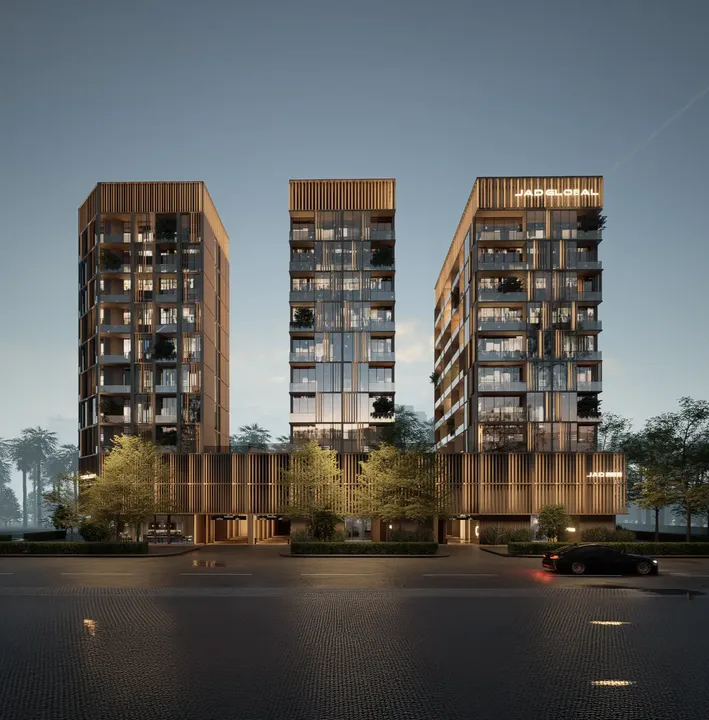
JAD 288 architectural visualization from the existing Property Gulf library. Shown as an example of project marketing imagery, not proof of delivered condition or availability.
Ask about account ownership and handover
Identify who currently owns or administers the relevant accounts and which transfer or setup process the provider supports. A device included in the property does not necessarily mean its existing account is appropriately controlled by the new owner. Ask the responsible professional and installer to explain the authorized handover for the actual equipment.
Arrange a record of completed transfer or setup, with the property parties' responsibilities clear. Avoid casual password sharing as a substitute for the provider's supported process. Where credentials or security settings need to change, the authorized account holder should complete the appropriate steps through the official system.
For a rental property, separate owner controls from resident controls under the applicable arrangement. Obtain suitable advice on privacy and access where necessary. A property manager may need an operating contact without needing broad access to private household devices or records. Keep permissions connected to defined tasks.
Review subscriptions, warranties, and support
Ask whether any feature requires an ongoing service, subscription, licence, or other payment. Request current terms and identify what changes if the service is not continued. A device's purchase inclusion should not conceal an ongoing cost required for the function you value. Keep optional and essential services separate.
Obtain available warranties, installation records, supplier details, and service history. Clarify who answers technical questions and how support is requested. A general building maintenance contact may not be qualified to diagnose every connected device. The relevant support path should be practical for both a resident and an overseas owner.
Ask how future repair or replacement would be handled. Identify whether a replacement needs a particular model, configuration, or qualified installation. Do not assume ordinary-looking equipment can be substituted freely without affecting the system. Record the question and get the appropriate technical answer before treating maintenance as a simple household purchase.
Check compatibility through the actual documentation
If you want to add equipment, state the exact proposed function and ask a qualified installer about compatibility. The word smart does not establish that every device or application works together. Use current manufacturer and system information rather than relying on a generic claim about open or connected technology.
Keep proposed additions separate from the included setup. A home may be suitable in its present form while an ambitious future automation plan needs new equipment or work. Ask for an itemized scope, costs, permissions, and any impact on warranties. A suggested improvement belongs in the setup budget until its feasibility is confirmed.
Consider whether the additional complexity creates a useful benefit. A simple routine control may meet the requirement more clearly than a large integration project. Compare the ordinary task, the supported solution, and the maintenance commitment rather than adding functions solely because they are available.
Assess connected cooling without promising savings
A connected cooling control should be evaluated against the apartment's actual system and household use. Ask an appropriate installer which functions are supported and how scheduling or room control works. A demonstration can clarify operation without establishing a guaranteed reduction in consumption.
For official conservation information, consult DEWA's cooling guidance. Keep any proposed equipment change within the appropriate technical and permission process. The relevant benefit depends on the system, installation, settings, and occupancy rather than the presence of an application alone.
Review the cooling and utilities guide to compare the underlying billing arrangement. A convenient controller and an affordable cost structure are related but separate questions. Both should appear in the complete operating assessment of the apartment.
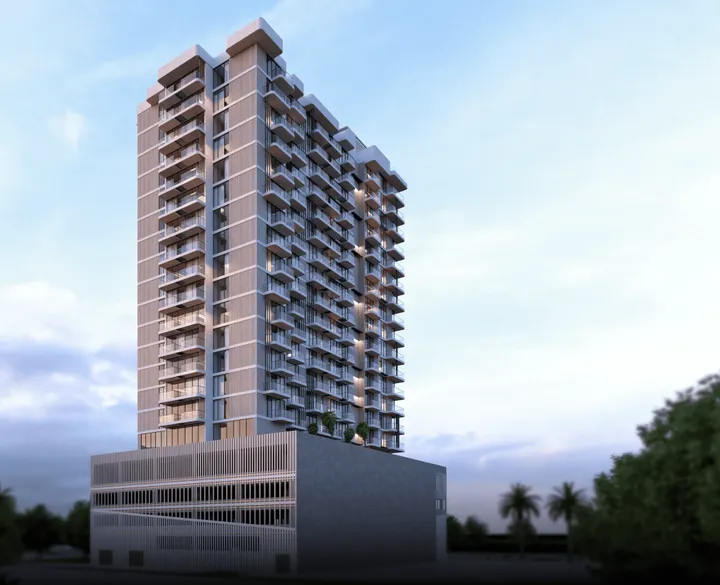
TETR1S Tower architectural visualization from the existing Property Gulf library. The actual unit, specification and current project status require separate verification.
Use consumption tools as information, not proof of every cause
DEWA Smart Living provides official digital consumption-monitoring information. Relevant provider tools can help you review patterns and ask more focused questions. A change in a graph should be examined alongside occupancy, billing periods, and other context rather than attributed immediately to one device.
Keep your property baseline understandable. Record the period, ordinary occupancy, and significant equipment or maintenance changes. This helps a provider or professional investigate a question with relevant evidence. A short, clear record is more useful than an unexplained screenshot sent without dates or a description of the issue.
If a consumption concern requires verification, use the provider's current official process. Do not attempt unsafe testing or technical modifications yourself. Monitoring can identify a question, while appropriate assessment establishes what should be done. Keep those stages separate in your operating file.
Consider privacy and household expectations
Ask what information the system collects, where relevant settings are managed, and which parties have access under the provider's current terms. The answer depends on the actual equipment and service. Read the documentation and obtain appropriate advice where privacy requirements are important to your use.
Discuss household preferences before committing to connected features. Some residents may prefer simple physical controls, while others value remote functions. A usable home should accommodate the people who actually live there. Keep the purchase brief grounded in ordinary needs rather than assuming everyone wants the most elaborate system.
For rented or guest-used properties, clarify how accounts and permissions are handled between occupants through appropriate professional guidance. Do not leave former residents' access unresolved or assume a device transfer happens automatically. The operating plan should identify the authorized process and who confirms completion.
Compare smart features with the rest of the apartment
Include system functions, setup, ongoing costs, support, and uncertainty in your comparison sheet. Then assess layout, storage, condition, location, and ownership costs separately. An attractive technology demonstration should not overcome a fundamental problem with the home you will use every day.
Ask your advisor what evidence supports any claimed price or rent premium. A feature may appeal to some residents without generating a guaranteed financial return. Use relevant comparisons and keep the technology benefit distinct from other unit differences. The rental model guide helps retain complete costs in an investment assessment.
Give uncertainty an explicit status. If support terms, subscription costs, or inclusion details remain unanswered, mark them as unresolved. A more fully documented conventional apartment may be easier to operate than a sophisticated one with missing information. Another buyer may accept the additional work for a clearly understood benefit.
A hypothetical smart-home comparison
Imagine two otherwise suitable apartments. Apartment A includes connected curtains, lighting scenes, and cooling controls. Apartment B has conventional controls and fewer connected features. The buyer values simple daily use and occasional remote checking, rather than an elaborate automation routine.
The advisor arranges demonstrations and gathers the included-device list, support records, and ongoing service terms. Apartment A offers useful functions but needs a defined account handover and a separate service decision. Apartment B meets the basic routine with less setup. The buyer compares the actual benefit and commitment instead of assuming the smart label establishes superior value.
If the household later wants more automation, the buyer can request a qualified assessment for the chosen home. That future project remains separate from the current purchase evidence. The decision record explains what is included now, what works for the household, and what remains a proposed change.
Illustrative property-planning scene from the Property Gulf media library; not a photograph of a unit offered for sale.
Prepare a usable handover inventory
At possession, reconcile included devices, controls, documentation, support contacts, and the authorized account process. Record untested or incomplete items with a responsible contact and follow-up date. A device may be physically installed while its resident setup remains unfinished. Keep practical readiness visible alongside the broader property handover.
Retain the inventory and update it after maintenance or replacement. A manager or future owner should be able to identify the system without guessing from wall controls. Keep sensitive credentials out of the general inventory and use the provider's supported process for authorized access. This makes the technology easier to maintain through ordinary changes in occupancy.
Arrange a short resident operating demonstration
After authorized setup, ask the qualified installer or responsible provider contact to explain routine controls, support, and the process for an unavailable device. Include the household members who will use the system. A handover is more useful when residents can perform ordinary tasks themselves rather than only watch an expert demonstration.
Write a concise guide identifying functions, documentation and support contacts, while keeping sensitive access information separately controlled. Record questions that still need an answer and the party responsible. If a feature is not yet configured, do not describe it as completed in the property operating inventory. A clear demonstration and follow-up list help the technology remain practical through ordinary household changes.
Frequently asked questions about smart apartments
Does smart mean every device works together?
No. Confirm compatibility for the actual system and proposed equipment through current documentation and a qualified installer. Keep included functions separate from additions that need assessment or new work.
Will connected controls guarantee lower bills?
No. Evaluate the actual system, use, installation, and billing structure. Official conservation guidance and monitoring tools can support better understanding, but a specific saving needs relevant evidence.
What is important during handover?
Confirm the included inventory, normal operation, documentation, support, ongoing services, and authorized account arrangements. Record incomplete items and responsibilities. Do not substitute informal password sharing for the provider's supported process.
Should technology outweigh layout or location?
Compare its practical value with the complete home. A useful feature can improve convenience, but it does not resolve poor room fit, unclear costs, or an unsuitable daily journey. Keep each criterion distinct.
Your practical action plan
1. List the installed devices and functions included in the property.
2. Request demonstrations of routine use and failure modes.
3. Check ownership, subscriptions, support and compatibility.
4. Plan secure authorized account handover and updates.
5. Compare practical value with ongoing cost and maintenance.
Choose technology you can understand and maintain
Read the handover guide, then request apartments with documented smart-home features. Share the functions you actually need so each recommendation can explain inclusion, operation, support, and ongoing commitment.